Google Play Ready HTML5 Games with Admob
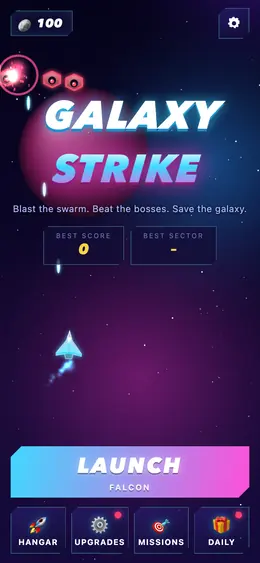

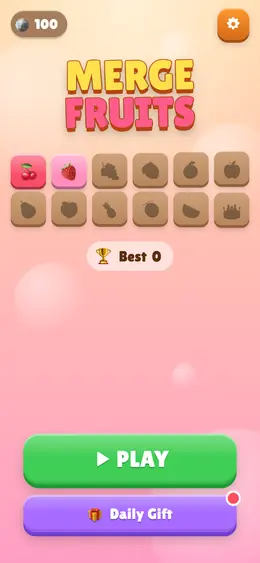
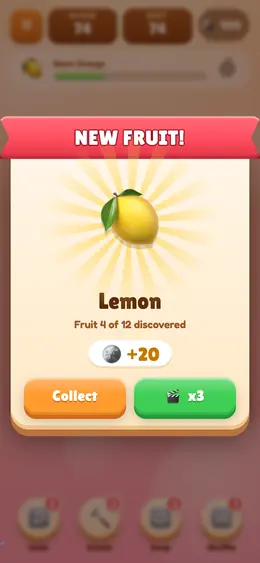

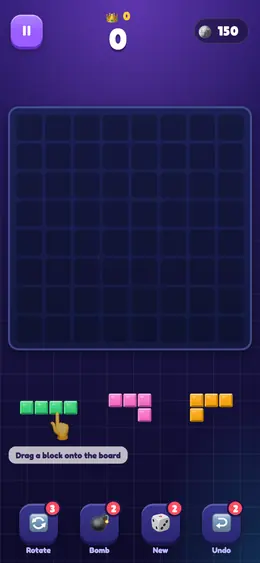
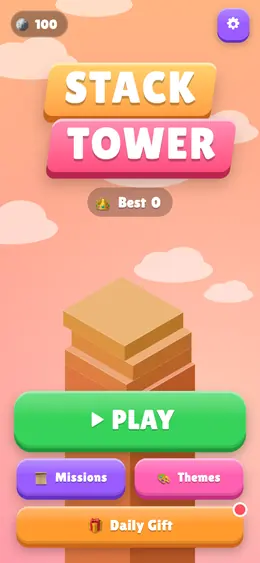

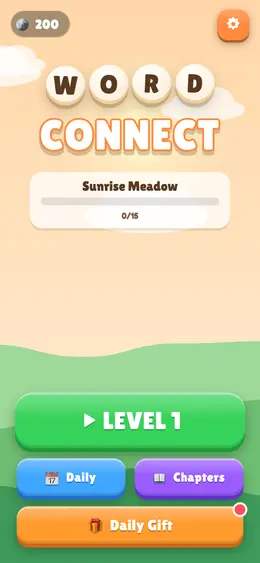
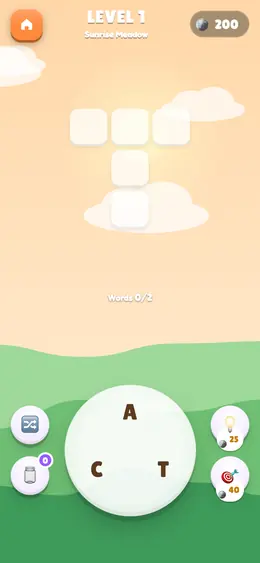
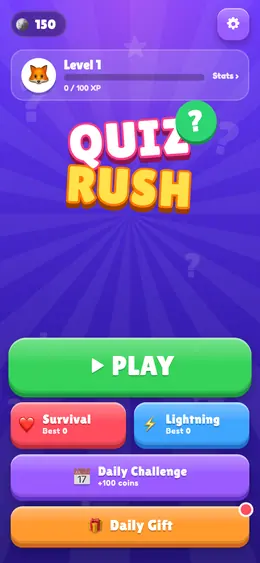
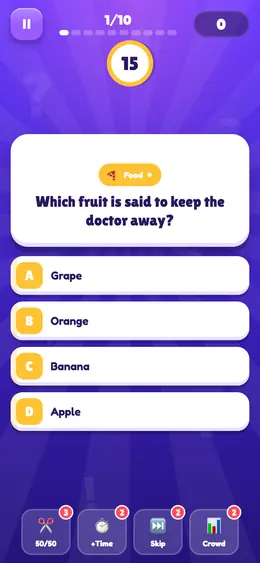
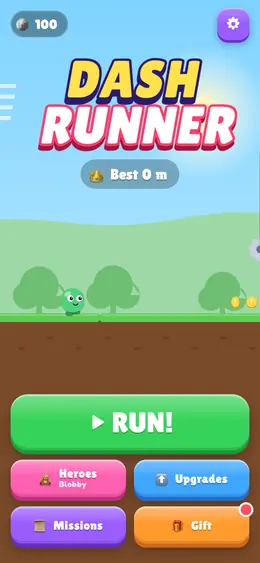



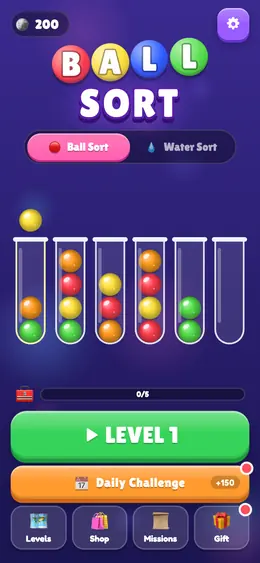
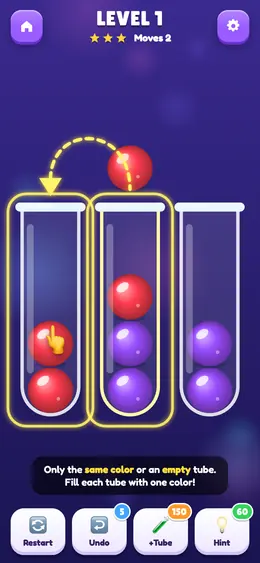


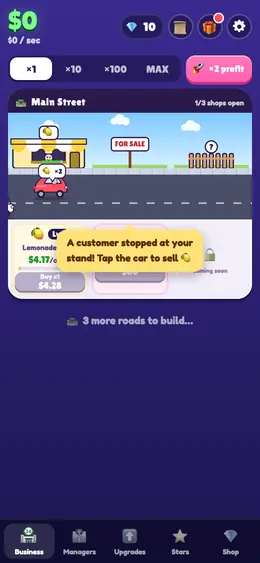

Just need code to learn from? Grab HTML game code you can copy and paste (free single-file games with live demos) or browse all HTML games code.
How to convert HTML to an APK
Four steps, about five minutes, nothing installed on your computer.
-
1
Upload your HTML or ZIP
Drop a single HTML file, a ZIP containing your whole site with index.html at its root, or paste the address of a site that is already online.
-
2
Set the app details
App name, launcher icon, package name and version. The builder validates each one against Android's rules before it builds, so a bad package name fails in seconds rather than minutes.
-
3
Build in the cloud
A real Android project is assembled around your content and compiled on our servers. Nothing is installed on your machine.
-
4
Download and install
You get a signed APK you can install immediately, or an App Bundle ready to upload to Google Play.
Converting a single HTML file to an APK
A single HTML file is the simplest case: everything — markup, styles, scripts — lives in one document, so there are no paths to break. Upload it, set a name and icon, and the file is bundled into the app and served from the device itself. The result works with no connection at all.
Two things are worth checking before you build, because both fail silently inside an app:
- ES modules.
<script type="module">is blocked on bundled pages, so your JavaScript never executes and the app opens blank. This is the single most common conversion failure. - External resources. A font, script or stylesheet loaded from a CDN is a blank space when the device is offline. Inline them, or accept that the app needs a connection.
Our HTML validator checks both, plus the DOCTYPE, viewport tag and path problems that break WebView rendering — in your browser, without uploading the file.
Converting a ZIP file to an APK
A ZIP lets you convert a complete multi-page website — HTML, CSS, JavaScript, images and fonts — into one offline Android app. Put index.html at the top level of the archive, keep every path relative, and the whole site is unpacked into the app and served locally.
The rules that decide whether a ZIP converts cleanly:
| Rule | Why it matters |
|---|---|
index.html at the archive root | It is the page the app opens; nested one folder deep, the app has nothing to load |
| Relative paths only | There is no web server inside an app, so /css/style.css has no root to resolve against |
| Lowercase filenames | Android's filesystem is case-sensitive — Logo.PNG and logo.png are different files |
| Assets included, not linked | Anything on a CDN disappears when the device is offline |
No node_modules or source maps | Everything in the ZIP ships inside the app and can be extracted by anyone |
Free accounts can upload up to 5 MB of content and Pro raises that to 18 MB — limits on your source files, not the finished app. The APK size calculator measures your files by actually compressing them, so you can see what the app will weigh before you build.
Full detail: converting a website ZIP into an Android app.
What you can change about the app
The builder exposes the Android settings that matter, so the result looks like an app rather than a browser with the chrome removed.
| Setting | What it controls | Tier |
|---|---|---|
| App name and icon | What appears on the home screen and in the app drawer | Free |
| Package name | The permanent applicationId that identifies your app forever | Free |
| Version name and code | What users see, and what Android compares to decide what is newer | Free |
| Theme colour | The status bar and system chrome | Free |
| Permissions | Camera, microphone and location, when your pages use them | Free |
| Page loader | The indicator shown while a page loads | Free |
| Splash screen | Icon, background, gradient and loader on launch | Pro |
| Onboarding screens | Intro slides before the first page | Pro |
| Bottom tab bar | Native tabs that switch between sections of your site | Pro |
| Push notifications | Reaching users who are not currently on your site | Pro |
| Your own signing key | Required to update an app already published on Google Play | Pro |
| AAB output | The format Google Play requires for new apps | Pro |
Do I need Android Studio to make an APK?
No. Android Studio is one way to build an APK, not the only one. It is an 8–12 GB install — the IDE, the SDK, a platform, Gradle's dependency cache — plus Gradle files, a manifest and a keystore to learn before your first build succeeds. A cloud builder runs the same Gradle build on a server, so nothing is installed on your machine.
| This builder | Android Studio | Capacitor / Cordova | |
|---|---|---|---|
| Local install | None | 8–12 GB | Node plus the Android SDK |
| Coding required | None | Kotlin or Java | JavaScript plus config |
| Time to first APK | Minutes | Hours to days | An afternoon |
| Native features | Camera, mic, location, push | Everything | Everything via plugins |
| Best when | Your website is the product | The app is the product | You want native APIs from JS |
The honest limits: a WebView app cannot do background location, Bluetooth or home-screen widgets, and heavy animation is smoother natively. WebView vs native, compared properly →
Who converts websites into apps
Small businesses
A shop, restaurant or clinic whose site already works, wanting a home-screen icon and a Play Store listing without paying for a native build.
Agencies and freelancers
Delivering a client app on top of a site you already built, without starting a native project or subcontracting one.
Developers
Needing an installable APK for testing, demos or internal distribution before — or instead of — writing the native version.
Educators and organisations
Packaging HTML course material, documentation or catalogues so they work offline on shared devices.
Game and tool makers
HTML5 games, calculators and utilities that already run in a browser and belong on a phone's home screen.
Anyone with a ZIP
An exported site, a downloaded template, a folder of pages — if it opens in a browser, it converts.
HTML to Link or Website
Turn your HTML file into a live URL, then use that address to build an app from it or share the page directly with anyone. An APK is not always what an HTML file needs. If you only want someone to see the page — a client reviewing a mockup, a teacher collecting a student project, a developer sharing a bug reproduction — then converting HTML to a link is faster and needs no install at all. Upload the file, get an https:// address, send it. It opens in any browser, on any device, with nothing to download.
HTML to link, HTML to website, HTML to APK — which one do you want?
The three sound alike and solve different problems. The question that separates them is what the person on the other end has to do with it:
| You want | What they get | Use |
|---|---|---|
| HTML to link — a page people open | A URL that loads in any browser, no install, no account | htmltolink.dev |
| HTML to website — several pages hosted together | A small site at its own address, CSS and images intact | htmltolink.dev |
| HTML to APK — an installable Android app | An icon on the home screen that works offline | The builder on this site |
When a link beats an app
- Someone just needs to look at it. Asking a client to install an APK to review a landing page is friction they will not thank you for; a link opens in one tap.
- The audience is not on Android. A link works on iPhone, Windows, a Chromebook and a desktop browser. An APK is Android only.
- The page changes often. Re-upload the file and the same URL shows the new version — nobody has to reinstall anything.
- You need it in seconds. Publishing an HTML file as a link is instant; a build takes a few minutes.
When an app beats a link
- It has to work offline. A bundled APK serves its pages from the device, so it runs in airplane mode. A hosted link does not.
- You want an icon on the home screen rather than a bookmark people lose.
- You are publishing to Google Play, where an app needs native features a web page cannot offer — push notifications, tabs, a splash screen.
- The content should not be re-shared by forwarding a URL.
The two are not exclusive, and the same file usually serves both: publish it as a link while you iterate and people review it, then convert the finished HTML to an APK when it is ready to be installed. Nothing about the file has to change in between — the rules that make a page convert cleanly to an app (relative paths, no ES modules on bundled pages, assets included rather than linked from a CDN) are the same rules that make it host cleanly as a link.
Free tools for the fiddly parts
Icon sets, package names, version codes, store assets. All run in your browser — nothing is uploaded, no account needed.
APK Icon Generator
Every Android launcher size from one image
HTML Validator
Check HTML for problems that break inside an app
Package Name Generator
Build and validate a valid applicationId
APK Size Calculator
Estimate your app's size before you build
Play Listing Preview
Character limits and a live listing preview
Splash Screen Generator
Preview and export an Android splash screen
Guides, written from building this
What the conversion actually involves, which Android rules bite, and how to get onto Google Play.
How to convert HTML to APK
The full path from a folder of HTML files to an installable Android app.
9 min read Getting startedZIP to APK
Folder layout, entry pages and the file:// rules that break multi-file sites.
8 min read Getting startedHTML to APK without Android Studio
What the IDE really costs you, and the routes that skip it.
7 min read ConceptsAPK vs AAB
Two formats, two purposes — and why Play refuses the one you can install.
6 min read Signing & publishingPublishing on Google Play
Account, listing, policies, review — the whole submission in order.
9 min read ConceptsWebView vs native
Where wrapping wins, where it loses, and how to tell in advance.
8 min readHTML to APK — frequently asked questions
How do I convert an HTML file to an APK?
Upload the HTML file to the builder, set an app name, icon and package name, and build. The file is bundled into an Android WebView app and you download a signed APK you can install on any Android phone. No Android Studio, SDK or coding is involved, and a build takes a few minutes.
Can I convert a ZIP file to an APK?
Yes. Put index.html at the top level of the ZIP with your CSS, JavaScript, images and fonts alongside it, keep every path relative, and upload it. The whole site is unpacked into the app and served from the device, so the app works offline. Free accounts can upload up to 5 MB of content; Pro raises it to 18 MB.
Is this HTML to APK builder free?
Yes. The free tier builds signed, installable APKs with no watermark, no expiry and no card required. Its limits are a short cooldown between builds and APK-only output. Pro adds AAB output for Google Play, your own signing key, splash screens, onboarding, tab bars and push notifications.
Do I need Android Studio or coding skills?
Neither. The build runs on our servers, so nothing is installed locally, and every Android-specific part — the project, manifest, icons and signing — is generated from the settings you choose.
Will the app work without an internet connection?
If you bundle an HTML file or a ZIP, yes: the pages are served from the device and the app works in airplane mode. If you point the app at a live URL instead, it needs a connection for every screen.
Can I publish a converted website on Google Play?
Yes, provided the app does more than a browser bookmark would — Play's minimum functionality policy rejects bare URL wrappers. Bundled offline content, push notifications, native tabs and a splash screen all count as real functionality. Play also requires an App Bundle (AAB) for new apps rather than an APK.
What is the difference between an APK and an AAB?
An APK is a finished app that installs directly on a phone. An AAB is a publishing format that cannot be installed — Google Play uses it to generate a tailored APK per device, typically 20–35% smaller. New apps on Play must be uploaded as AAB; an APK is what you use for direct distribution and testing.
Why does my converted app show a blank white screen?
Almost always <script type="module">, which browsers block on bundled file:// pages, so no JavaScript runs. The other frequent causes are absolute paths pointing at your own computer and a missing DOCTYPE. All three are detected by our free HTML validator before you build.
Can I convert a WordPress, Shopify or Wix site?
Yes, by pointing the app at the live URL rather than uploading files — those platforms generate pages on their servers, so there is no folder of HTML to export. The app then loads your site the way a browser would and needs a connection.
How do I convert an HTML file to a link?
Upload the file to htmltolink.dev and it is published at its own https:// address straight away. Anyone you send that link to opens the page in a browser — no install, no account, and it works on iPhone, Android and desktop alike. Use a link when people only need to see the page, and an APK when they need an installable app that works offline.
What is the difference between HTML to link and HTML to APK?
A link is a hosted web page: it opens in any browser on any device, updates the moment you re-upload the file, and needs a connection. An APK is an installed Android app: it puts an icon on the home screen, serves its pages from the device so it works offline, and can be published to Google Play. The same HTML file can be used for both — share it as a link while it is being reviewed, then build the APK when it is finished.
Is the APK signed, and can I update the app later?
Every build is signed, because Android refuses to install an unsigned app. To update an app already on Google Play you need to sign with the same key as the original, which is what Pro's own-signing-key feature is for. Updates also need a version code higher than the previous release.
Ready to turn your HTML or ZIP into an Android app?
Upload a file, set a name and an icon, and download a signed APK. Free, no card, no Android Studio.
Open the builder